Wish Upon A Llama System Requirements
Official Steam minimums for Windows and macOS — plus practical notes for Deck and consoles.
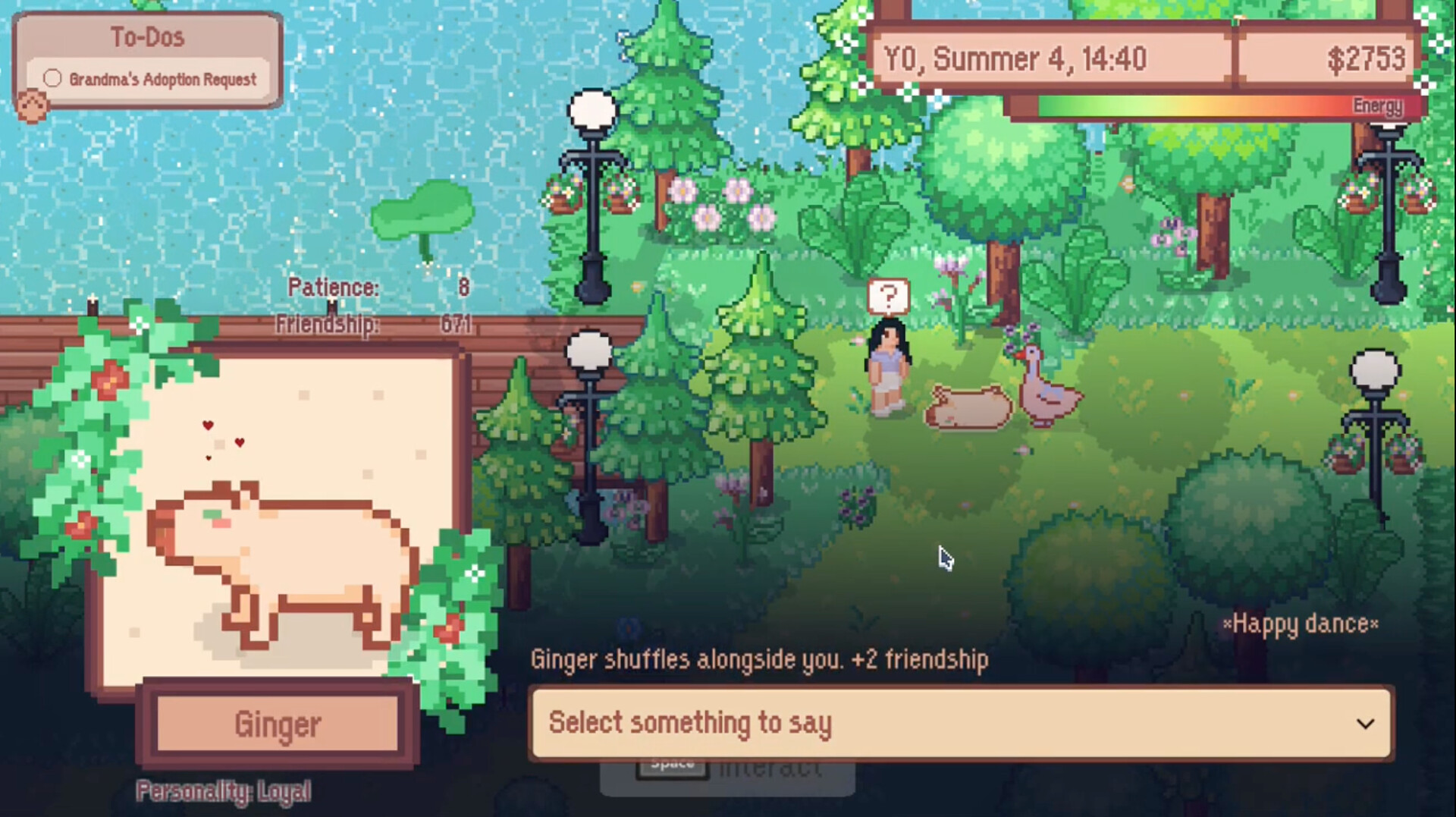
Wish Upon A Llama is a pixel-art cozy life sim, but you still need enough headroom for smooth loads, animal crowds, and town scenes. This page mirrors the public Steam minimum requirements for Windows and macOS, then adds practical advice for Steam Deck, consoles, and demo testing before the December 9, 2026 launch. Pair it with controls and the parent Tools Hub.
Storefronts can tweak specs near launch. If Steam and this page ever disagree, trust the live store listing for app 2262630, then tell us via the channels on the Links Hub.
Windows minimum requirements
According to the Steam listing used for this wiki:
- OS: Windows 10 64-bit
- Processor: 2.0 GHz 64-bit CPU
- Memory: 4 GB RAM
- Graphics: 256 MB graphics memory
- DirectX: Version 11
- Storage: 1 GB available space
These minimums describe a light footprint compared with big-budget 3D games. Integrated graphics from the last several laptop generations usually clear the GPU memory line, but “runs” is not the same as “feels great with a full barn and town festivals.” If you are near the 4 GB RAM floor, close browser herds before booting the demo.
macOS minimum requirements
- OS: macOS 12 Monterey
- Processor: Apple Silicon or Intel
- Memory: 4 GB RAM
- Graphics: 256 MB graphics memory
- Storage: 1 GB available space
Apple Silicon Macs are explicitly welcomed. Intel Macs that still run Monterey or newer should also meet the written minimums. As always, leave free disk space beyond the 1 GB install estimate for screenshots, Steam shader cache, and future patches.
What the numbers mean in practice
CPU 2.0 GHz 64-bit is a modest bar. Pathfinding for animals, festival crowds, and frequent zone transitions benefit from newer CPUs even when the minimum is old. October 2026 demo notes highlighted a performance pass with faster loading — good news for handhelds and aging laptops, not a reason to ignore thermals.
4 GB RAM is the line you should take seriously. Modern operating systems already consume a chunk of that. If your machine has 4 GB total, expect background apps to hurt. 8 GB or more is a comfort recommendation for multitasking with guides open, even though it is not an official “recommended” tier on the storefront text we cite.
256 MB GPU memory / DirectX 11 signals that Wish Upon A Llama is not chasing ray tracing. Stable drivers matter more than boutique cards. Update GPU drivers before blaming the game for hitching.
1 GB storage is tiny by 2026 standards, but keep a few extra gigabytes free so Steam can patch cleanly on launch week.
Steam Deck and handheld notes
Official launch messaging includes Steam Deck beside PC and Mac. Steam’s compatibility badge can lag behind developer work, so use the demo as your personal certification tool. The October demo update specifically mentioned Steam Deck specific fixes and faster loads. After installing:
- Play a full day/night cycle outdoors and inside shops.
- Test hold-to-pet-while-walking while moving between barn and town.
- Open the map often; full-game map overhaul notes promise better controller paths, but demo comfort still matters now.
- Watch temperatures and frame pacing during festivals or when many animals follow you.
If something feels off, re-check demo updates for the build you are on, and skim controls for input tips.
Consoles and other storefronts
PlayStation 4/5, Xbox One/Series, and Nintendo Switch are confirmed for December 9, 2026 alongside Epic Games Store PC. Console SKUs do not publish the same Steam-style PC tables. Expect platform holders to stream-install or require a small download relative to large action games, but leave headroom for day-one patches. Performance targets will vary by generation — Series and PS5 hardware have more room than last-gen and Switch.
Epic players should still peek at Steam specs as a rough PC guide if their Windows machine is aging.
Pre-purchase checklist
- Confirm your OS version (Windows 10 64-bit or macOS 12+).
- Check RAM in system settings; upgrade mental expectations if you are on 4 GB.
- Install the free demo and walk animals for half an hour.
- Verify you can reach shops, salon/clothes content, and map travel without pain.
- Wishlist your chosen storefront via the release date checklist.
- Read accessibility-minded options once the full game ships — slower speed and batch chores were previewed in October polish notes.
Troubleshooting quick hits
- Long loads: Update GPU drivers, install on faster storage if possible, and keep the demo updated after festival patches.
- Stutter when many animals are present: Lower background tasks; on Deck, try a performance profile that prefers stability.
- Cannot launch on Mac: Verify Monterey or newer and that you grabbed the Mac depot on Steam.
- Confused about input: Controllers are supported at least partially — see controls.
Wish Upon A Llama aims to be approachable on modest hardware so more players can raise capybaras and fall for townsfolk. Meeting the minimums gets you in the door; testing the demo on your actual device is the only honest benchmark. When December 9 arrives, return to the Updates Hub for patch notes and keep this requirements page bookmarked for friends asking “will my laptop run the llama game?”
Frequently Asked Questions
Quick answers to the most common questions.
What are the Windows specs for Wish Upon A Llama?
Windows 10 64-bit, 2.0 GHz 64-bit CPU, 4 GB RAM, 256 MB GPU memory, DirectX 11, and 1 GB storage.
What are the Mac specs?
macOS 12 Monterey, Apple Silicon or Intel CPU, 4 GB RAM, 256 MB GPU memory, and 1 GB storage.
Will it run on Steam Deck?
Launch messaging includes Steam Deck, and October 2026 demo notes mention Deck-specific fixes. Test the free demo on your device for the best answer.
Are console system requirements listed here?
Consoles use platform packages rather than Steam PC tables. PS4/5, Xbox One/Series, and Switch are confirmed for the December 9, 2026 launch.