Wish Upon A Llama Controls & Input Guide
Play comfortably on keyboard, controller, or Steam Deck with the latest public QoL notes.
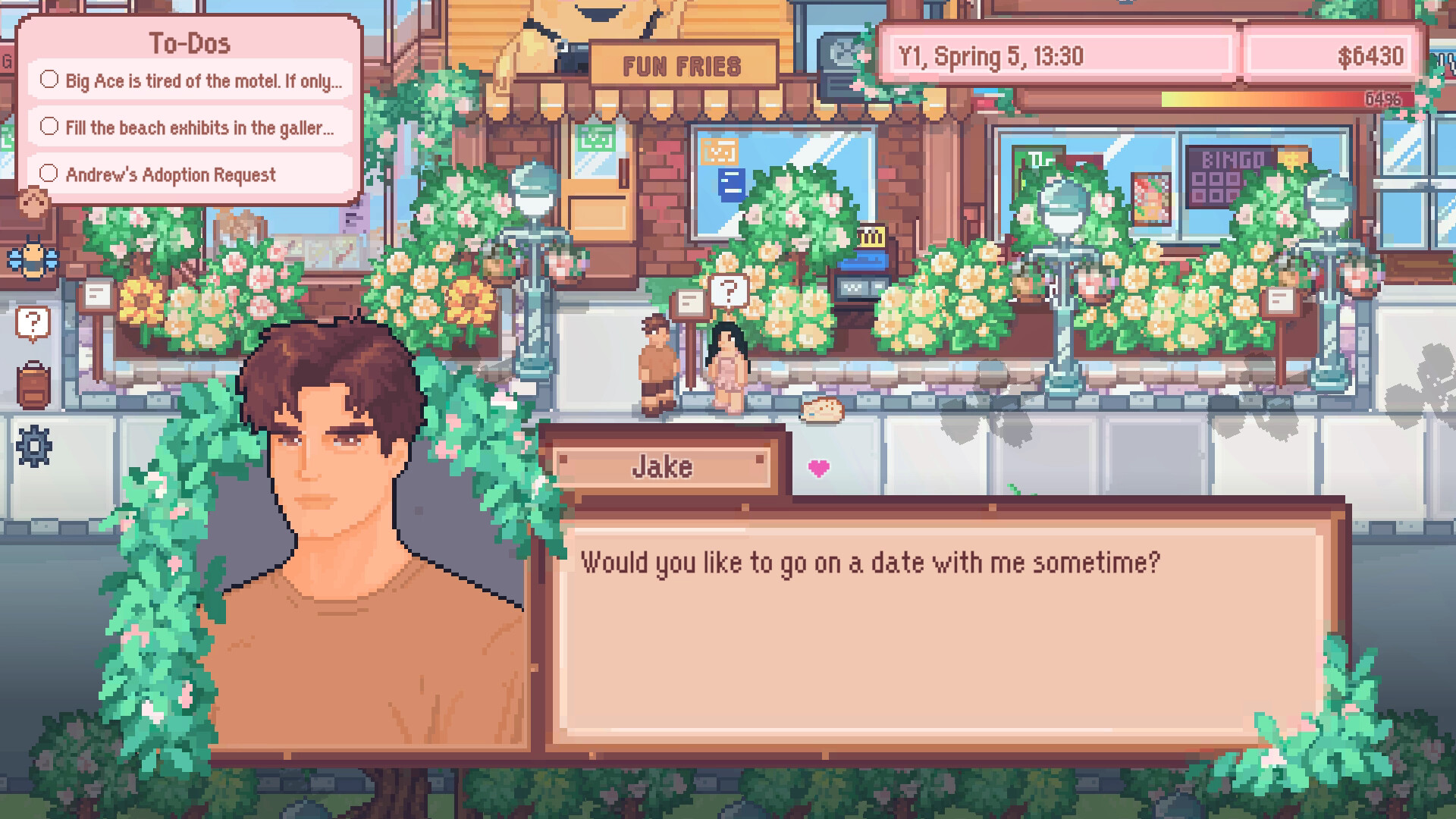
Wish Upon A Llama wants your hands relaxed. Between walking strings of animals, chatting with townsfolk, and ducking into shops, input friction is the enemy of cozy pacing. This guide explains what public Steam categories and 2026 demo notes say about keyboard play, partial controller support, and Steam Deck fixes — then turns those notes into practical habits. Exact keybind tables can vary by build, so always check in-game settings after an update.
Hardware readiness belongs on system requirements. Parent index: Tools Hub. New players should combine this page with Getting Started and the demo walkthrough.
What Steam lists today
Public Steam metadata for Wish Upon A Llama highlights:
- Single-player focus (single-player only requirement).
- Partial controller support with Xbox controller mentions in accessibility/feature listings.
- Additional comfort flags such as custom volume controls, playable without timed input, camera comfort options, color alternatives, and a keyboard-only path.
“Partial” usually means the campaign is playable on a pad, while some menus, text entry, or edge-case prompts may still prefer mouse and keyboard. Demo and beta feedback loops in 2026 explicitly pushed controller and Deck polish, so expect the December 9 full release to feel stronger than the earliest festival builds.
Keyboard and mouse fundamentals
Pixel life sims typically map:
- Movement to WASD or arrow keys.
- Confirm / talk / interact to a primary action key (often Space, E, or left click).
- Cancel / menu to Esc or right click.
- Inventory, map, and journal to dedicated hotkeys you should rebind if they fight your muscle memory.
Because Wish Upon A Llama layers ranch chores on top of town errands, open the settings menu on first boot and:
- Lower walk-assist friction if you overshoot doorways.
- Note whichever key is bound to pet — October QoL lets you hold pet while walking to bless every animal you pass.
- Check volume sliders individually (custom volume controls are advertised).
- Look for accessibility toggles previewed for the full game: slower game speed, optional auto door entry, and related comfort options mentioned in Steam news.
If you rely on keyboard only, you are still in the supported fantasy — Steam calls that path out explicitly.
Controller playbook
Grab a standard Xbox-layout pad first; it is the safest match for “Xbox Controllers” feature tagging. Then:
- Move with the left stick; use the right stick for camera if the build exposes it.
- Keep the face button you use for pet easy to hold — the walking-pet QoL is designed around a held input, not frantic taps.
- Practice opening the map twice per demo day. Full-game notes promise clearer character markers, a dotted path to your pin, and fuller controller support after the map overhaul.
- When shops, salon screens, or bakery prompts feel sticky, remember partial support may still leave a few cursor-heavy panels. Keep a mouse nearby on PC, or use Deck trackpads.
October’s demo update specifically listed controller fixes, so retest your pad after every demo refresh rather than assuming last month’s quirk remains.
Steam Deck and handheld tips
Official launch messaging includes Steam Deck beside PC and Mac. Demo notes called out Steam Deck specific fixes plus faster loading. On Deck:
- Start with the default community layout if one exists; otherwise use a standard gamepad template.
- Bind pet to a shoulder button you can hold while the left stick walks — this mirrors the intended QoL.
- Use the right trackpad as a mouse fallback for stubborn menus.
- Set a quiet performance profile for barn evenings; spikes matter less than stable pacing when animals cluster.
- Enable clear on-screen keyboard access only when renaming barns or animals (full-game QoL mentions barn renaming).
If loads hitch, verify you are on the latest demo depot described in demo updates, and confirm thermals are not throttling a handheld inside a duvet fortress.
QoL inputs that change daily chores
Public October notes highlight several interaction upgrades worth learning immediately:
- Hold pet while walking to multi-pet a path of animals.
- Heart and paw icons showing who was petted and walked today — glance up before you end the day.
- Bin fill levels so feeding is readable at a distance.
- Future full-game batch actions: cook several dishes, sell in groups, add several hays at once.
- Map pins with dotted path guidance once the overhaul ships.
These systems reward smooth movement more than combat-grade precision. If your stick acceleration feels slippery, lower it; if keyboard diagonal movement overshoots fences, slow down and use shorter taps near doors.
Accessibility and comfort options to watch
While final menus may shift, Steam news and feature tags point to a studio investing in comfort:
- Slower game speed for players who hate rush timers.
- One-hit tree chopping as an optional power fantasy / accessibility blend.
- Optional auto door entry.
- Color alternatives and camera comfort flags on the storefront.
- Playable without timed input for pressure-sensitive players.
When the full game launches December 9, re-open settings before your first long Saturday. Pair comfort toggles with Chill Economy Mode if money stress steals focus from animals and romance — see the Updates Hub and release date pages for feature context.
Troubleshooting input issues
- Controller not detected: Relaunch Steam with Big Picture/gamepad support enabled; try another USB port or wireless dongle.
- Pet-while-walking does nothing: Confirm you are on the October-or-later demo build and that you are holding the pet bind, not tapping.
- Menus require a cursor: Expected under partial support — use mouse, touch, or Deck trackpad.
- Steam Deck oddities after a patch: Delete the controller config overlay and reapply defaults, then retest barn pathing.
Practice routine (15 minutes)
- Walk a loop from bed to barn holding pet.
- Open and close the map three times without looking at the keyboard.
- Enter a shop, buy or browse clothes/salon content if available, then exit cleanly.
- Talk to one townsfolk and one animal interaction prompt.
- End the day only after checking heart/paw icons.
Master that loop and the rest of Llama Town — genetics on the breeding genetics guide, adoptions on the adoption center page, hearts on the romance guide — feels softer in the hands. For official channels when binds change, keep the Links Hub handy.
Frequently Asked Questions
Quick answers to the most common questions.
Does Wish Upon A Llama support controllers?
Yes, with partial controller support listed on Steam. October 2026 demo notes also mention controller and Steam Deck fixes.
What is the pet-while-walking feature?
In the updated demo, holding the pet button while you walk pets every animal you pass, speeding up daily care.
Can I play keyboard-only?
Steam lists a keyboard-only option among accessibility-related features. You do not need a controller to enjoy the demo or full game.
Will the full game improve map controls?
October polish notes describe a map overhaul with clearer markers, dotted paths to pins, and fuller controller support for the full release.